This page provides a recommended setup for safe and stable BMW remote coding, outlining the essential tools and conditions needed for a smooth session. It highlights the importance of using a reliable BMW ENET cable and a stable internet connection to ensure consistent communication during coding, flashing, and diagnostics.
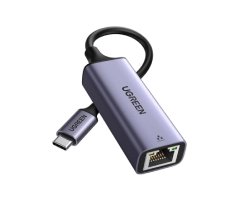
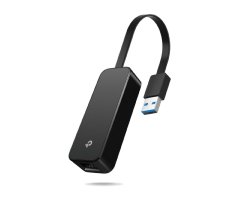
You'll also find guidance on choosing the right Ethernet adapters for laptops without built-in ports, along with convenient links to trusted purchasing options. Following these recommendations helps minimize connection issues and ensures a more efficient and secure coding experience.